Journeys
New IFS Cloud implementation with five gates and evidence
In new-implementation mode Implementer configures the platform, sets up the project and takes it from initiation to go-live through five phases and gates, each with a checklist, evidence and a recorded decision.
What does a new implementation look like in Implementer?
Five phases, each closed by a gate decision.
Initiate Project, gate Project Initiated
Plan, baselines, scope, organisation and RACI, risks, stakeholders. 14 checklist items.
Confirm Prototype, gate Solution Confirmed
Book of Rules, CRIM log, interface register, migration and test strategy, change control. 13 items.
Establish Solution, gate Solution Established
Specifications, CRIM and interfaces built, migration plan, step-by-step guides and test scripts ready. 11 items.
Implement Solution, gate Go Live Authorised
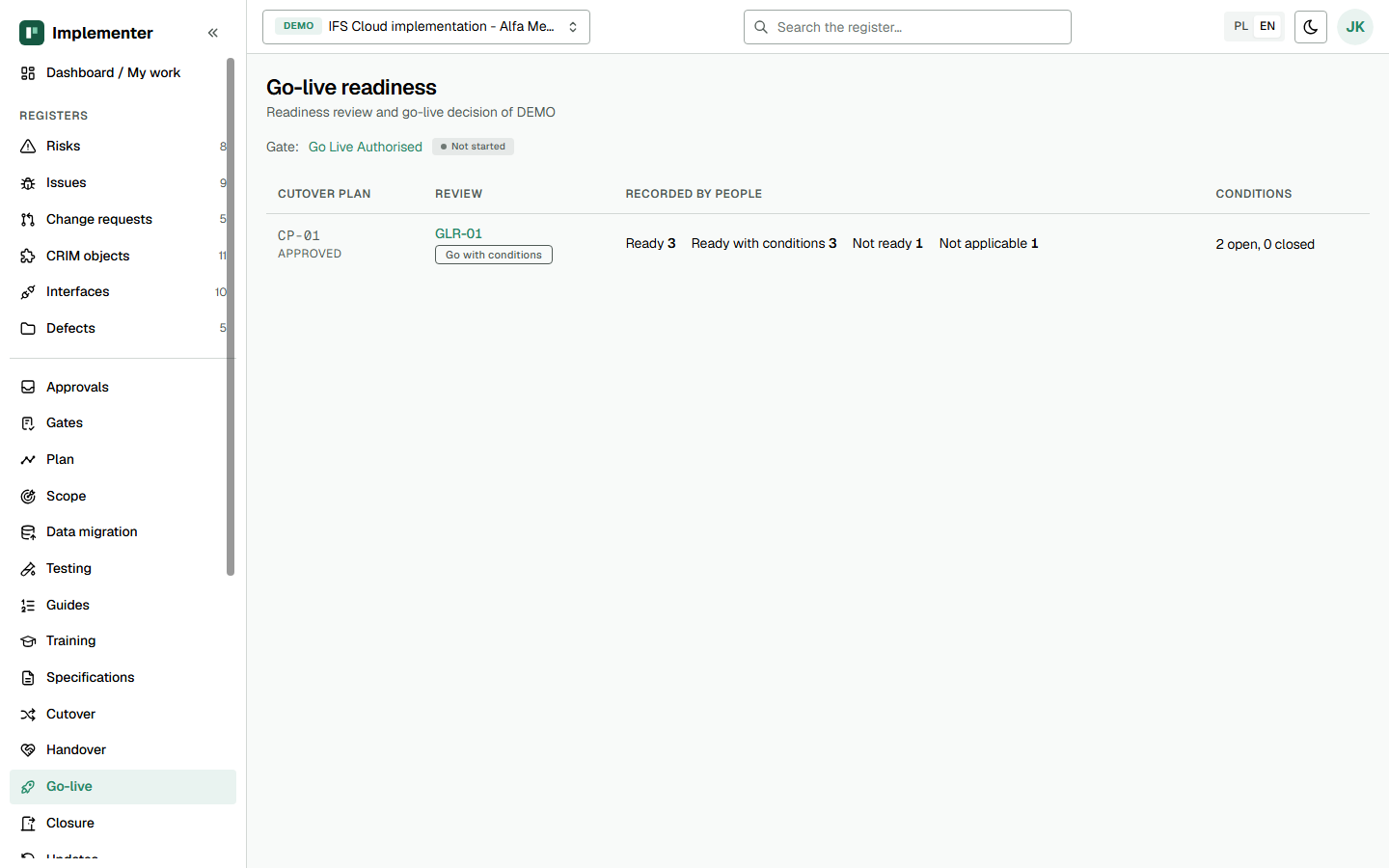
Cutover planned and rehearsed, data reconciled, tests signed off, users trained, readiness reviewed. 13 items plus 42 readiness criteria.
Go Live, gate Go Live Complete
Cutover completed, hypercare, handover to support, update strategy, closure and lessons learned. 10 items.
What is new-implementation mode?
New-implementation mode is the project mode in Implementer that uses all five IDK phases and gates. It fits a first IFS Cloud implementation, or any project that has not yet gone live. The mode is set when the project is created, together with the gates and their 61 checklist items. Compare it with rollout and BAU and Evergreen.
How does a gate work?
A gate collects checklist items that each have an owner, the evidence expected and an evidence reference. A gate cannot go to decision while an item is still not started. The decision is Approved, Approved with conditions or Not approved, and it goes through the project's approval rules: the project manager recommends and the steering group chair decides. Conditions become issues with an owner, a due date and a verifier. The approval records which baselines of schedule, cost, solution scope and project scope were in force. See the glossary for the terms.
What does the project team work in?
The team works in registers, and the IDK templates are views over them:
- Scope and design: scope statement, Book of Rules, CRIM objects, functional and configuration specifications, interfaces.
- Data: migration strategy and plan, migration objects, load cycles, reconciliation by object, sign-off per data group.
- Testing: test cycles, scenarios with steps, executions, defects and the cycle verdict.
- Cutover: cutover plan, runbook tasks, rehearsals and results, go/no-go and point of no return.
- People: organisation and RACI, communication plan, training plan, step-by-step guides.
Each template has its own page on the IDK kit page. The Gantt view shows phases, milestones and cutover tasks on a read-only timeline.
How is go-live decided?
Through the readiness review, which has 42 criteria in nine groups. Most take their status from testing, migration, cutover and training records, so nobody types a green light by hand. The decision is Go, Go with conditions or No-go. After go-live the handover to support records hypercare, support acceptance and open extensions, and the closure document freezes the project, which becomes read-only.
What does it not do?
Implementer tracks data migration and cutover. It does not carry them out, and it does not write to IFS Cloud. See security and trust for the limits.
How do you start?
Run a pilot on your next gate, or check the pricing: a new implementation licence is EUR 9,600 per project and year for up to 25 named users, net, plus VAT. You can also open the live demo.
Last updated: